What is WayQuest?
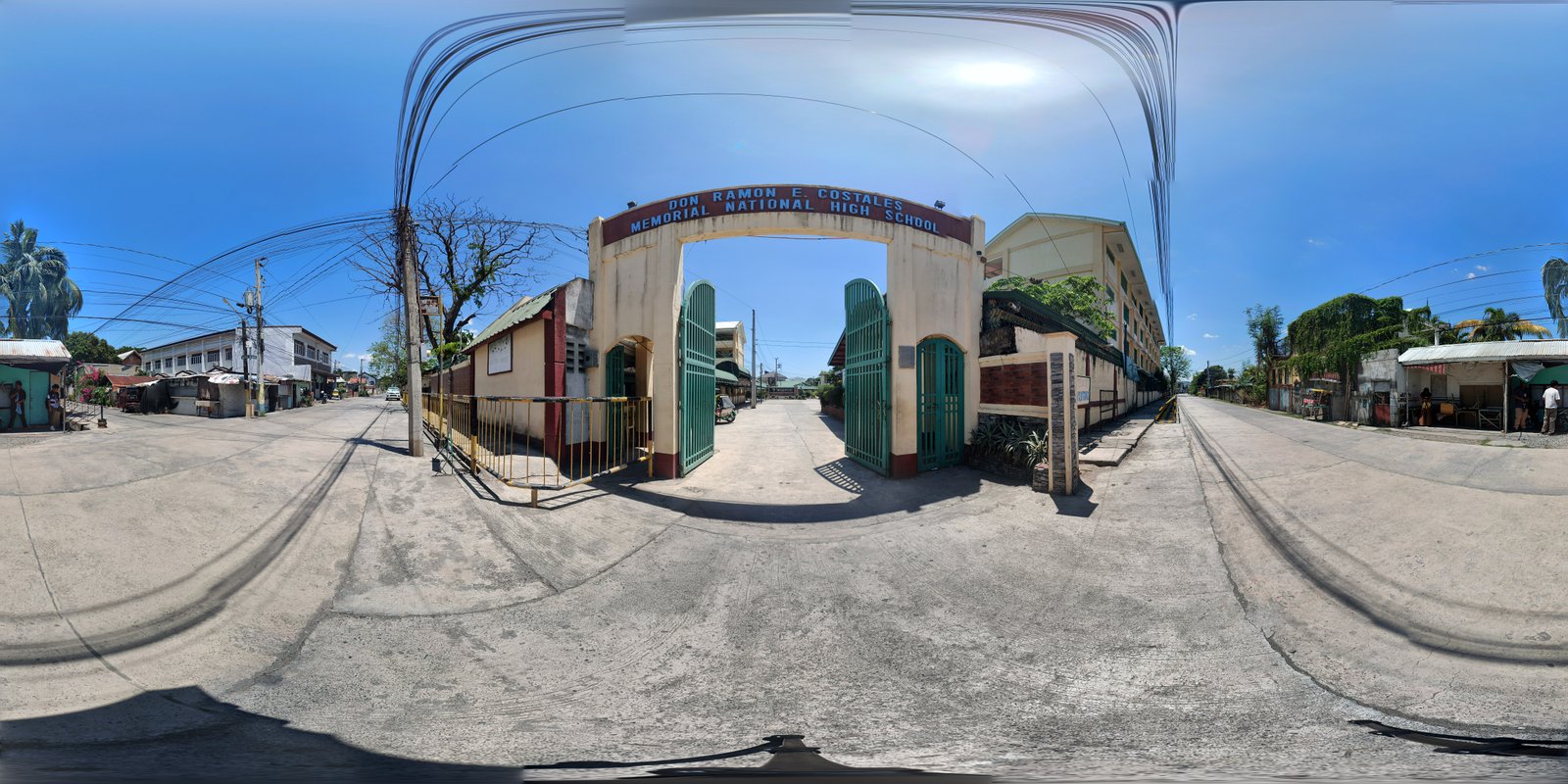
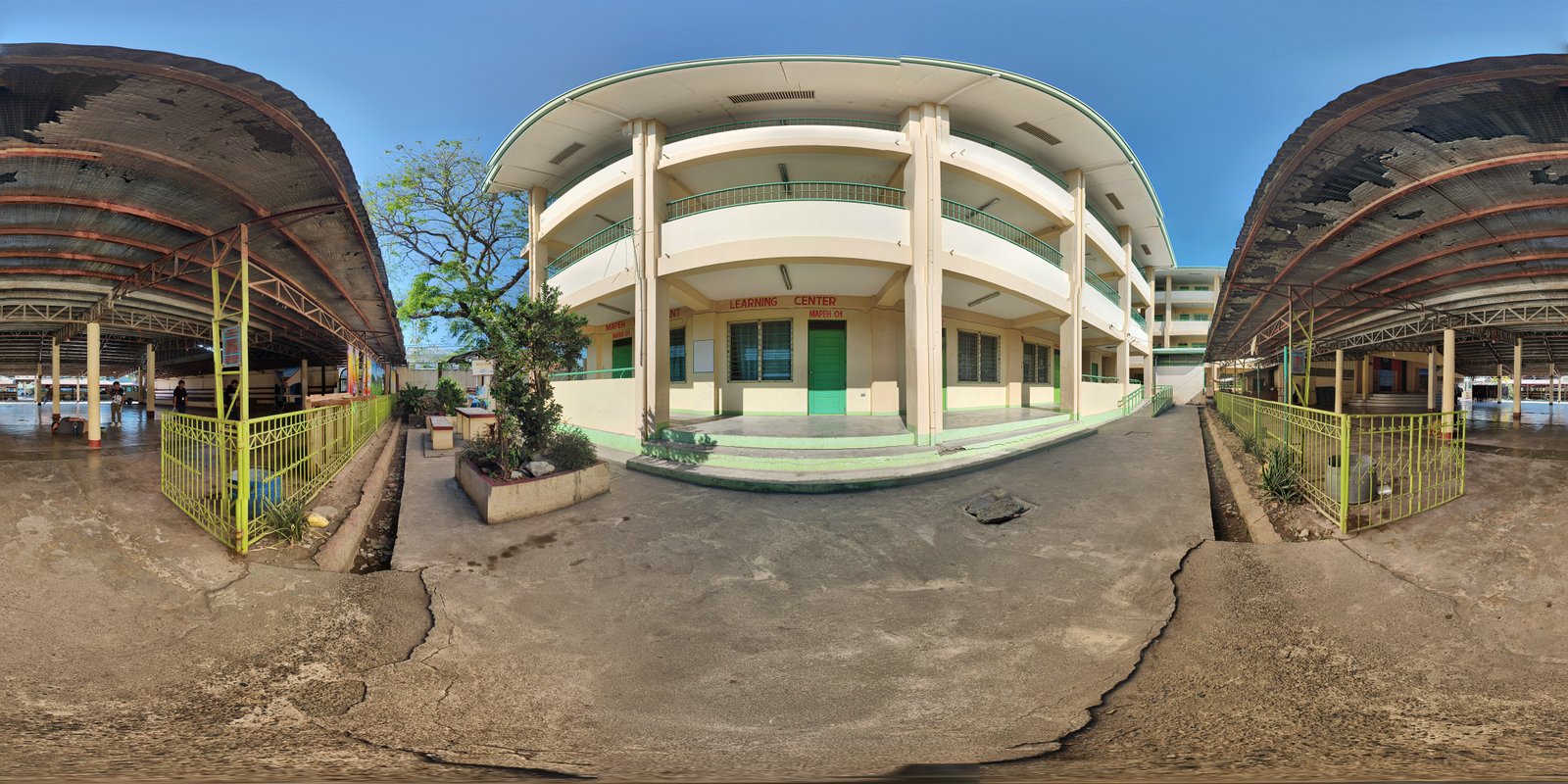
WayQuest is an innovative educational technology platform developed to transform how students navigate campus environments and learn ICT fundamentals. By combining 360° panoramic photography with interactive simulation modules, it bridges the gap between physical space exploration and digital competency training.
Designed as a research-based system under the School Research Agenda, WayQuest addresses the need for immersive, self-paced learning tools that align with the K–12 ICT curriculum — enabling Grade 7 students to explore campus geography and Grade 11–12 ICT learners to simulate real-world network and server configurations.
System Features
Everything you need for immersive campus exploration and ICT learning
360° Campus Navigation
Immersive panoramic navigation through campus locations. Click directional hotspots to move between connected nodes seamlessly.
ICT Simulation Modules
Hands-on digital simulations aligned with the ICT strand curriculum covering real-world technology scenarios and tasks.
Network Training
Learn how networks are structured and configured. Practice LAN/WAN topology design in a safe virtual environment.
Server Configuration
Simulate server setup, administration, and troubleshooting tasks — building real technical competencies for ICT students.
How It Works
Three simple steps to start your WayQuest journey
Navigate Using 360 Nodes
Start at any campus node. Each node shows a full 360° panoramic view of the real location, letting you look in any direction.
Click Hotspots to Travel
Directional arrows appear based on connected nodes. Click them to teleport to adjacent nodes. The return arrow is always mathematically opposite (+ 180°).
Enter Simulation
At ICT lab nodes, unlock simulation modules. Practice network design, server configuration, and more — right inside the campus tour.
Target Users
Designed for two distinct learner groups with different learning objectives
Campus Navigation
Junior high school students use WayQuest to explore the school campus interactively — learning building names, room locations, and campus geography through immersive 360° nodes.
- Explore campus virtually
- Identify key locations
- Earn quest node badges
ICT Simulation
Senior high school ICT strand students access simulation modules embedded at lab nodes — practicing network topology, server administration, and hardware configuration in a guided virtual environment.
- Network topology design
- Server configuration tasks
- ICT curriculum integration